
Morse Code Translator
Explore the classic dot-and-dash alphabet in your browser. Scroll down to type a message and try the Morse Code Translator.
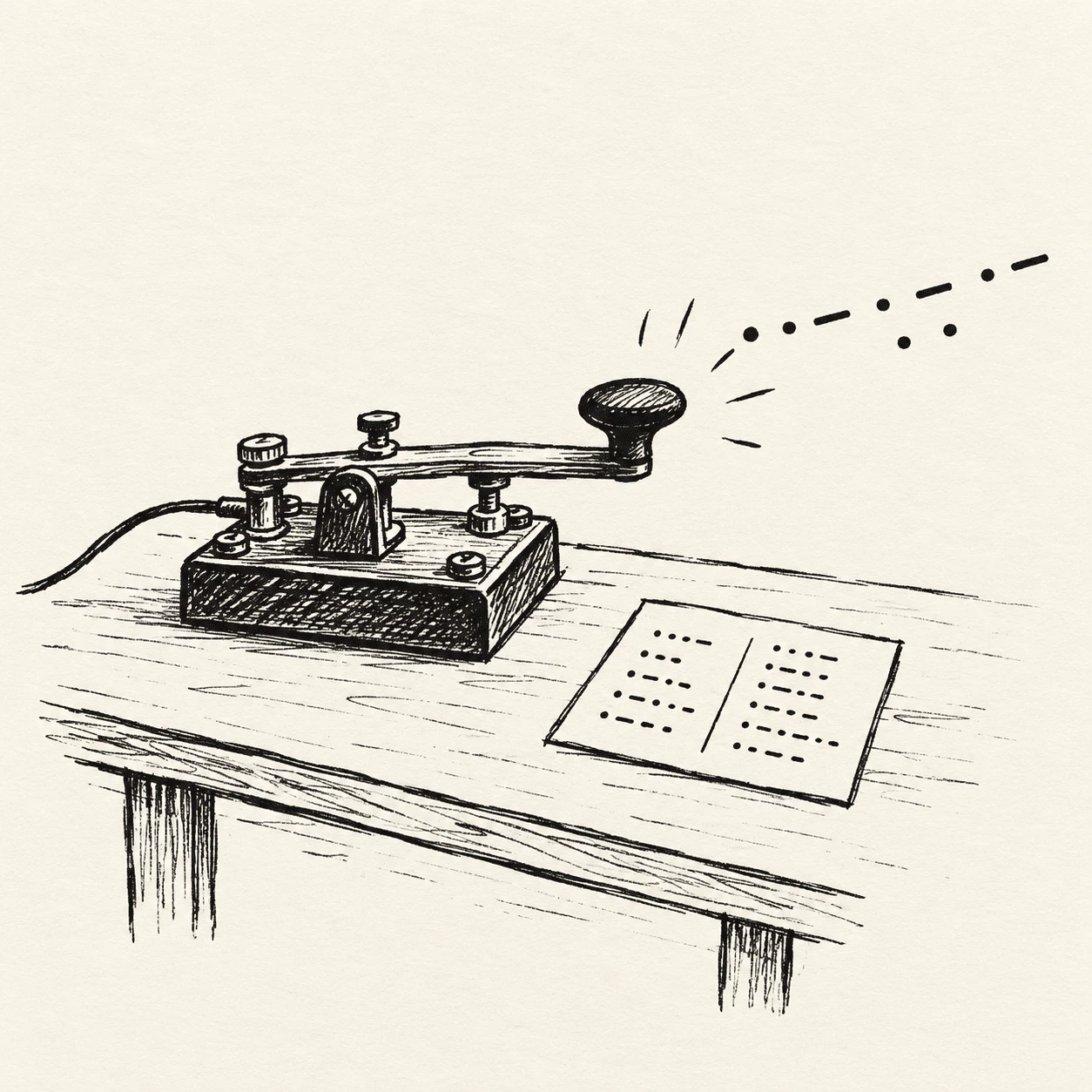
What Morse code is
Morse code is a way to write messages with only dots and dashes. Samuel Morse and Alfred Vail created it in the 1830s, long before phones or the internet. Each letter and number has its own pattern: E is one quick dot, T is one long dash. People once sent these patterns by telegraph, flashlight, or radio. The Morse Code Translator on this page lets you try real messages without memorizing the whole chart first.
- Dots and dashesEvery character uses short dots (•) and long dashes (—). Put them together and you get words like HELLO or SOS. The Morse Code Translator keeps the same spacing rules: small gaps inside a letter, bigger gaps between letters and words.
- Type your messageEnter plain text or paste Morse symbols into the Morse Code Translator. The output updates as you type, using the same spacing rules operators relied on for clear sends.
- Listen and learnOptional playback and a blinking light on the Morse Code Translator help you feel timing — useful when you are learning rhythm, not just reading symbols on the screen.
Who this Morse Code Translator is for
You do not need to be a radio expert to start. This Morse Code Translator fits anyone curious about dots and dashes — students in class, scouts earning a badge, or adults who saw Morse in a movie and wanted to try it. Use it for homework, hobby practice, or a fun secret note to a friend.
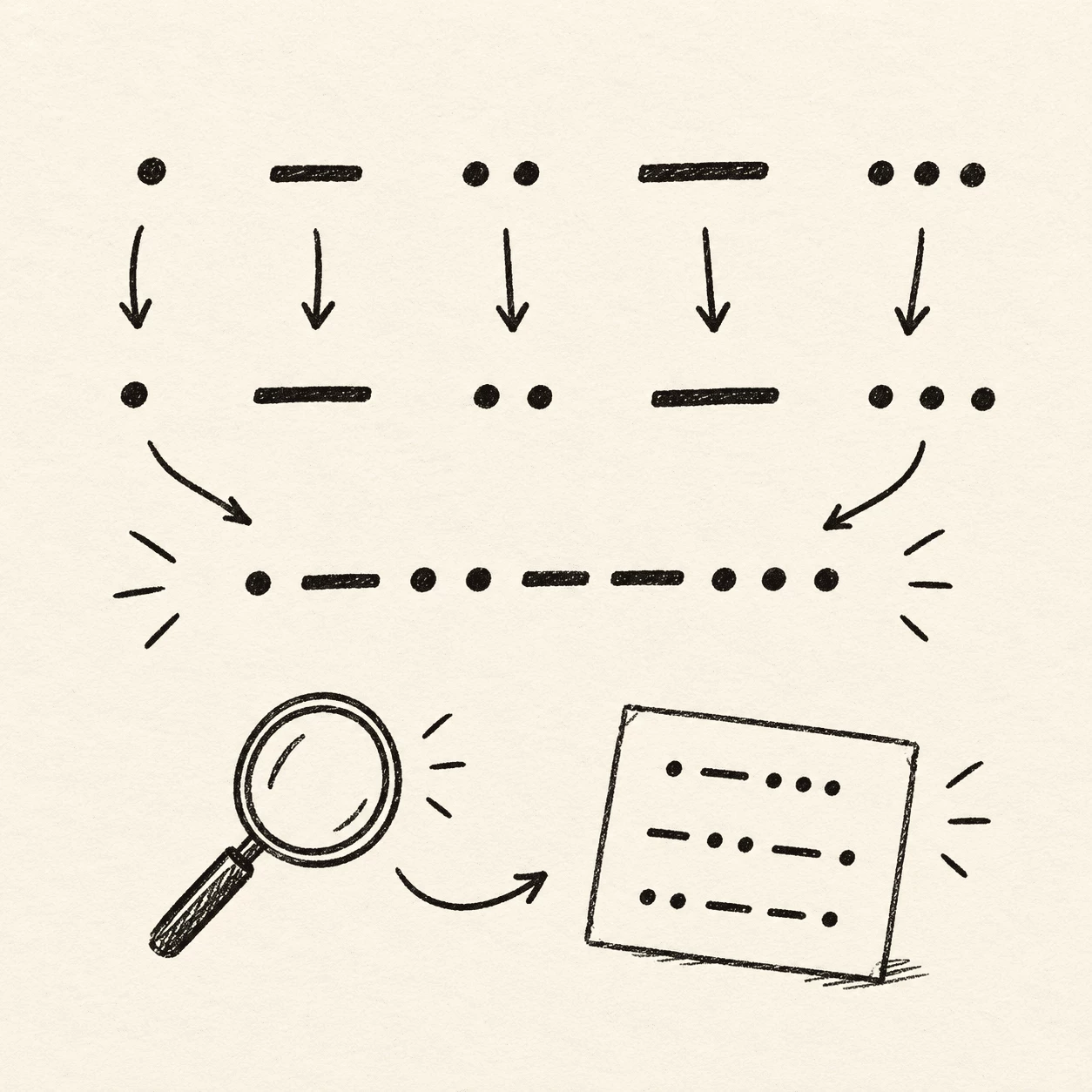
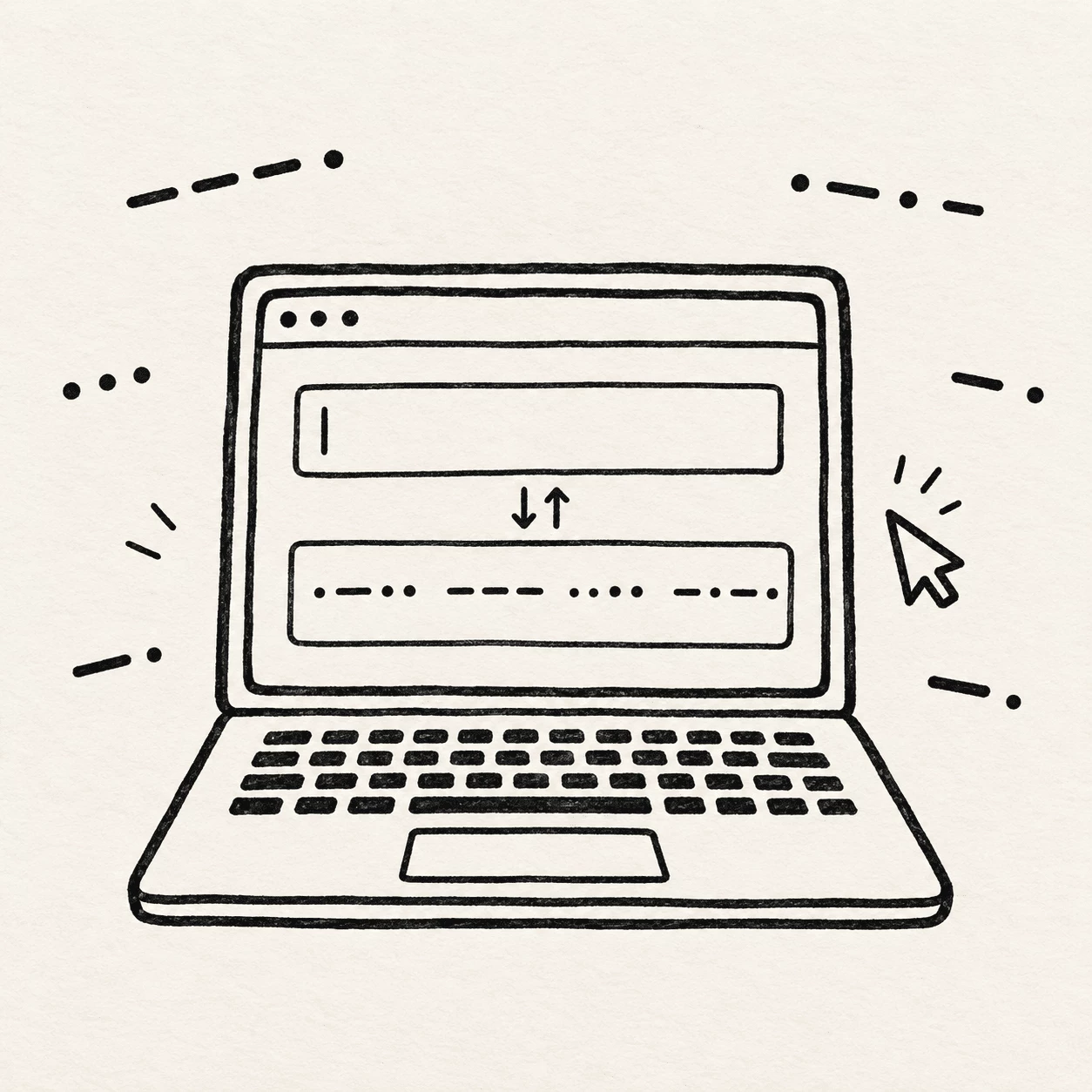
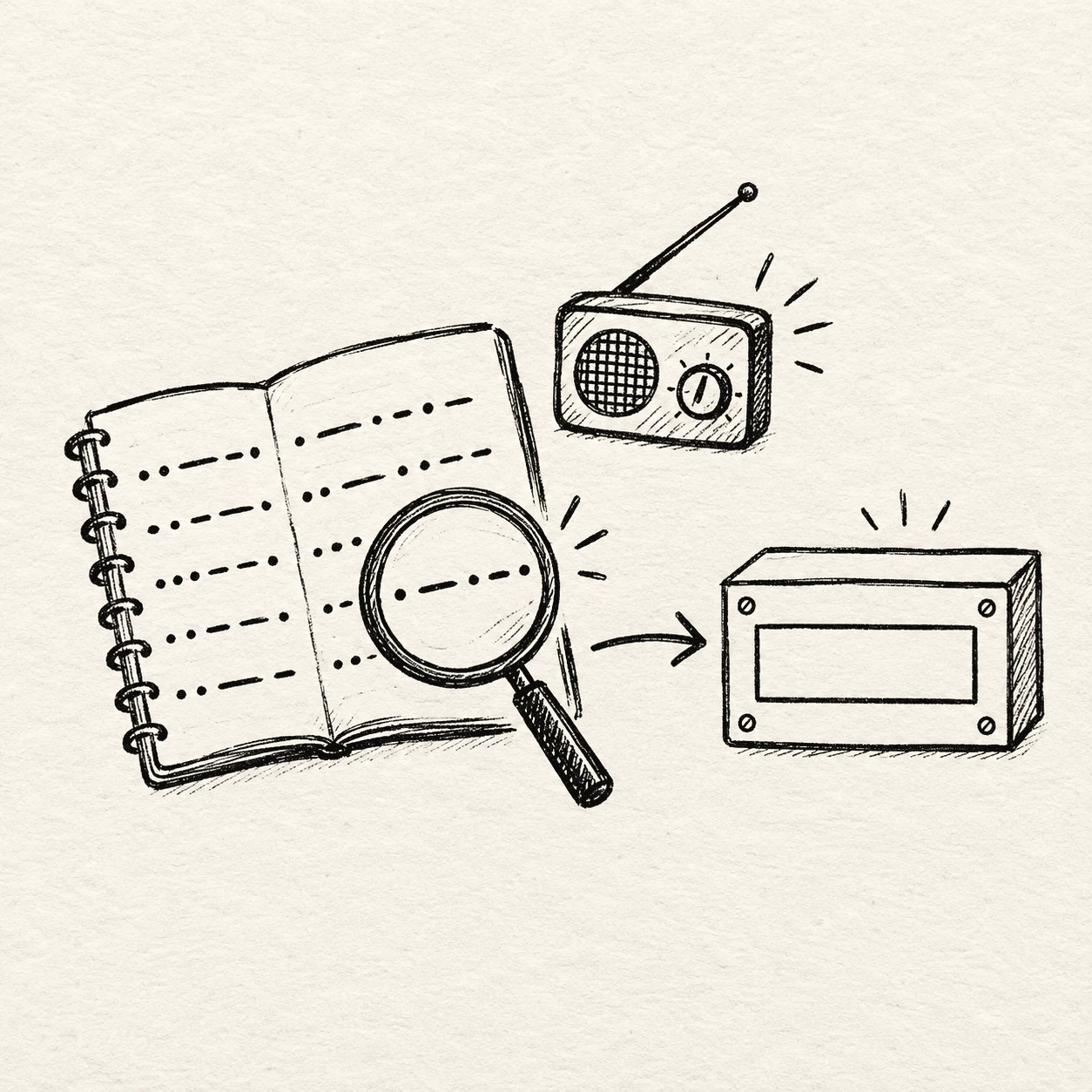
What you get in this Morse Code Translator
The Morse Code Translator lives on this page so you can work with Morse right away — live translation, copy helpers, optional sound and light, plus settings when you want slower practice.
Letters, numbers, and marks
Type everyday English in the Morse Code Translator and get the matching Morse pattern. A through Z, digits 0–9, and common punctuation all follow the classic code chart, so notes like HELLO or SOS encode cleanly.
Swap when you need to
Paste a Morse line into the Morse Code Translator with spaces between letters and a slash between words when you are checking homework, a puzzle clue, or radio notes. The swap control updates the other box for you.
Translation as you type
Each keystroke in the Morse Code Translator updates the output in real time. Watch letters become • and — patterns without waiting on a separate button, which makes checking homework or radio spelling much faster.
Copy in one tap
Copy buttons on the Morse Code Translator sit on both the text side and the Morse side. Grab your dots-and-dashes line for a message, document, or study sheet, or copy plain text after you decode a signal.
Play, stop, and repeat
Run playback in the Morse Code Translator to walk through the message at your own pace. Stop or repeat until the rhythm starts to feel natural.
Light, speed, and tone
In the Morse Code Translator, turn on the blinking light to match the audio, open settings to change speed in words per minute, pitch, and volume, or try the random sample button when you want a quick practice line.
How this Morse Code Translator works
In the Morse Code Translator, type a line, watch the pattern fill in, and use the extra controls only when they help — copy, random samples, playback, or slower speed in settings.
Type your message
Put plain text in the Morse Code Translator input box to start. Short notes like HI or SOS are a good first try while you learn spacing rules.
See instant Morse
Each letter in the Morse Code Translator shows its own pattern of • and — as you type, with spaces between letters and slashes between words when that option is on.
Tune your practice
From the Morse Code Translator, copy results, try a random line, or open settings to adjust speed and tone. Playback and the light flash are there if you want to match timing by ear or by eye.
Practice on one page.
Whether you are writing a first message or checking a line from class, the Morse Code Translator keeps letters, spacing, and timing in one place so you can focus on the rhythm instead of juggling tools.
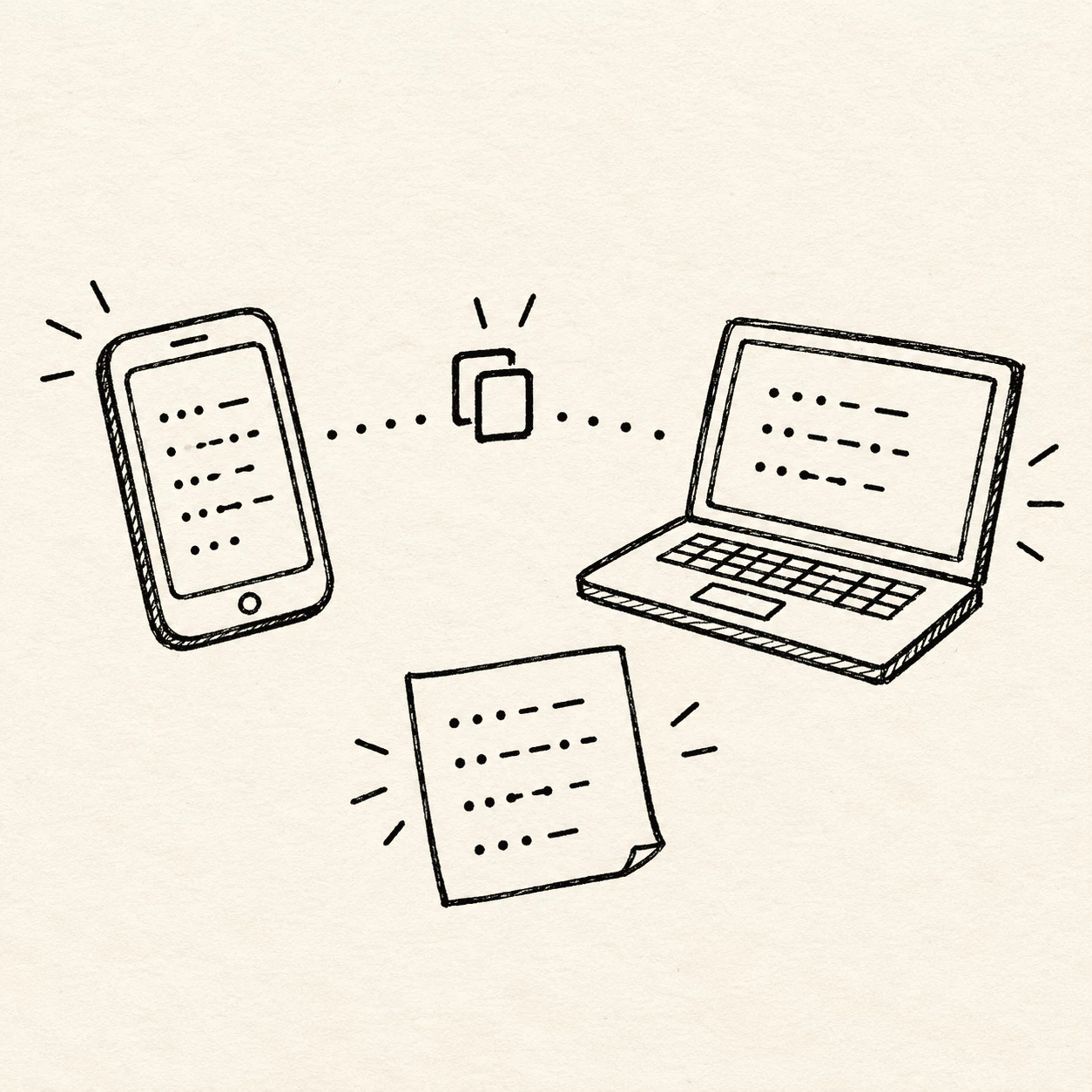
Start with words you know.
Type plain English in the Morse Code Translator box and watch each letter become its • and — pattern. Keep messages short at first — try E, T, then HI or SOS. Copy the line when you want to save or share it.
- Use spaces between letters and a slash between words in the output
- Replay a line in the Morse Code Translator if you want to match timing by ear
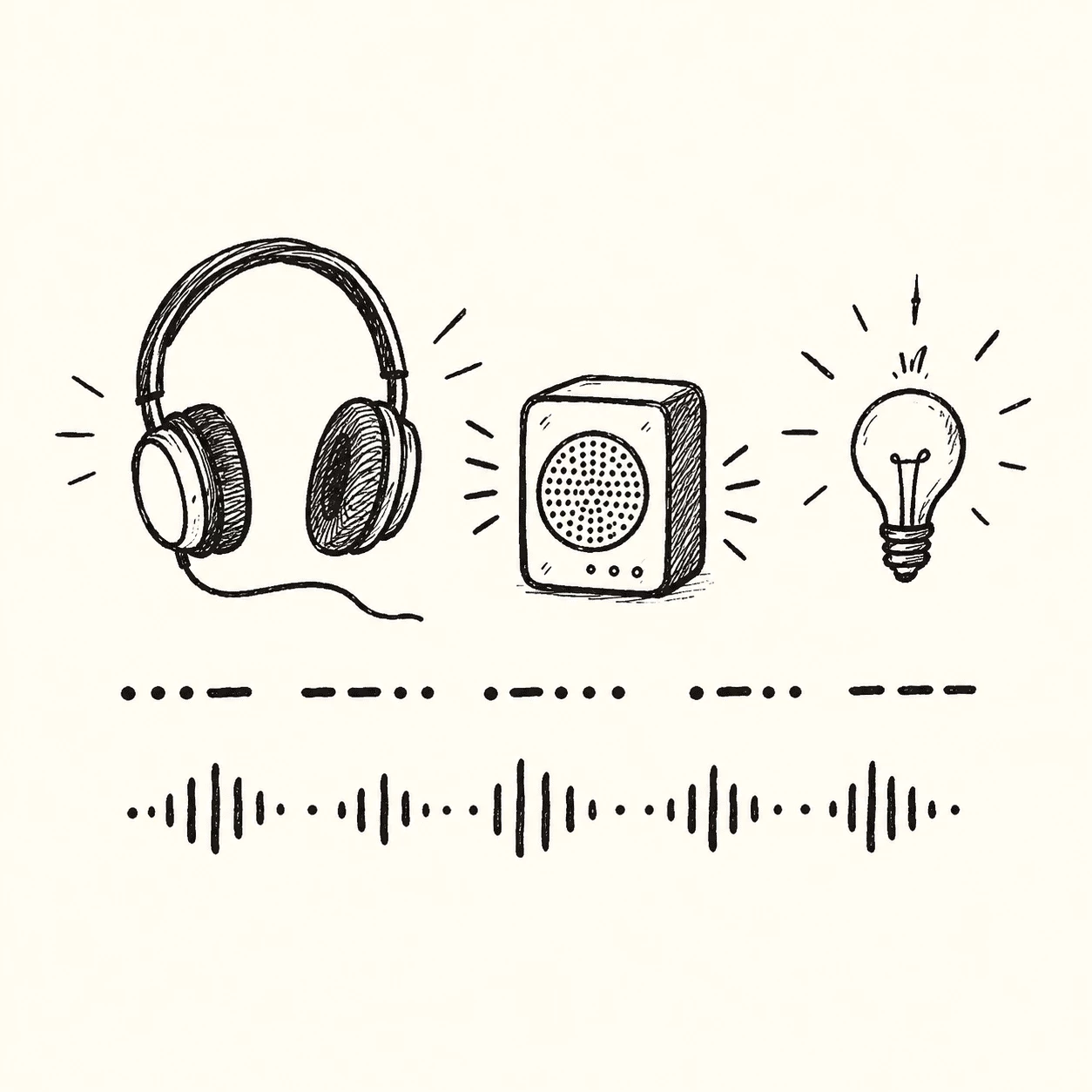
Confirm a pattern you found.
Paste a Morse line into the Morse Code Translator from a notebook, puzzle, or radio log — one space per letter. It shows the plain words so you can compare with your own guess. Spacing gaps matter as much as the dots and dashes themselves.
- Check spacing: gaps between letters and words carry meaning too
- Slow the speed in settings if playback feels too fast
Small code. Big reach.
Morse code keeps the idea small on purpose: short dots, long dashes, and careful pauses. That rhythm once crossed oceans; today the Morse Code Translator lets you try it on one screen.
Dot
•
One quick signal. Letter E is only a single dot, the fastest letter to send.
Dash
—
One long signal, about three times a dot. Letter T is one dash; together E and T teach the basic timing you will hear in the Morse Code Translator.
This tool
Play
Type a word in the Morse Code Translator and see the pattern on screen. Use playback or the light flash when you want to check timing.
Questions before you translate
Short answers about Morse and the Morse Code Translator. Start here, then scroll down to try a message.
What is Morse code?
Morse code is a way to write messages with dots and dashes. Samuel Morse and Alfred Vail developed it in the 1830s for long-distance telegraph lines. Each letter and number has a fixed pattern — E is one dot, T is one dash — and skilled operators once sent news and SOS calls with sound or light. A Morse Code Translator helps you see those patterns today without a printed chart.
What is a Morse Code Translator?
A Morse Code Translator shows Morse patterns next to normal text as you type or paste. Handy for class, puzzles, radio study, or any time you want a quick check without looking up a chart.
How do I use this Morse Code Translator?
Open the Morse Code Translator, type English in the text box, and watch the pattern update. Paste a Morse line with a space between letters and a slash between words when you are checking something you already have. Copy and random samples are there when you need them.
Can I hear the Morse as beeps?
Yes — playback on the Morse Code Translator is optional. It runs through dots and dashes with short and long tones so you can match rhythm by ear, then stop, repeat, or slow down in settings if you need to.
How does Morse spacing work?
Inside one letter, dots and dashes sit close together. Between letters you leave a wider gap — about three times a dot. Between words the pause is longer still. The Morse Code Translator can show slashes between words so the line is easier to read.
Can I use this translator on Discord or Zoom?
Yes. Share your screen in a call and type together. Teachers and clubs use it that way for lessons. Friends often guess letters from the pattern before anyone reveals the text.
Who is this Morse Code Translator for?
Students, scouts, HAM radio fans, puzzle lovers, and anyone curious about history. Beginners can start with E, T, and SOS. More advanced users check spelling, timing, or decode lines copied from games and escape rooms.
What makes a good practice message?
Start short: HI, HELP, or your name. Mix letters you know with one new character. Say the word out loud, look at the pattern, and tap the rhythm on your desk. Slow playback in settings if you want more time between letters.
Does everyone need their own device?
No. One phone or laptop is enough. Pass it around, or share one browser window on a video call. One person types while others listen and guess. Copy the Morse line so each person can study it later.
How do I say SOS in Morse code?
SOS is three dots, three dashes, three dots (• • • — — — • • •). It is the famous distress pattern, not an abbreviation for words. Type SOS in the translator to see the full spacing and timing.